
The withdrawal button allows customers to submit their withdrawal online to the respective retailer more easily. This button must be provided on every sales platform, regardless of the size, turnover or legal form of the company or marketplace. But where can this function be found, and what happens after a withdrawal form has been submitted?
In this article, we explain the process for customers and Letzshop retailers.
What is the withdrawal button?
The withdrawal button – also legally referred to as the withdrawal function – allows customers to declare the withdrawal of an order directly online.
The button does not replace the existing right of withdrawal, but makes it easier to exercise. Customers do not have to provide a reason for their withdrawal. However, whether a product is subject to a statutory right of withdrawal depends on the respective product type and the applicable legal exceptions.
As stated in the General Terms and Conditions, customers are generally entitled to a 14-day right of withdrawal. A retailer may voluntarily grant a longer withdrawal period, provided that this is clearly communicated in advance. However, certain product groups are subject to special conditions or legal exceptions: sealed hygiene products, for example, can only be withdrawn if the seal remains intact. Individually manufactured products or rapidly perishable food products, on the other hand, are generally not subject to a statutory right of withdrawal.
Where can the withdrawal button be found on Letzshop?
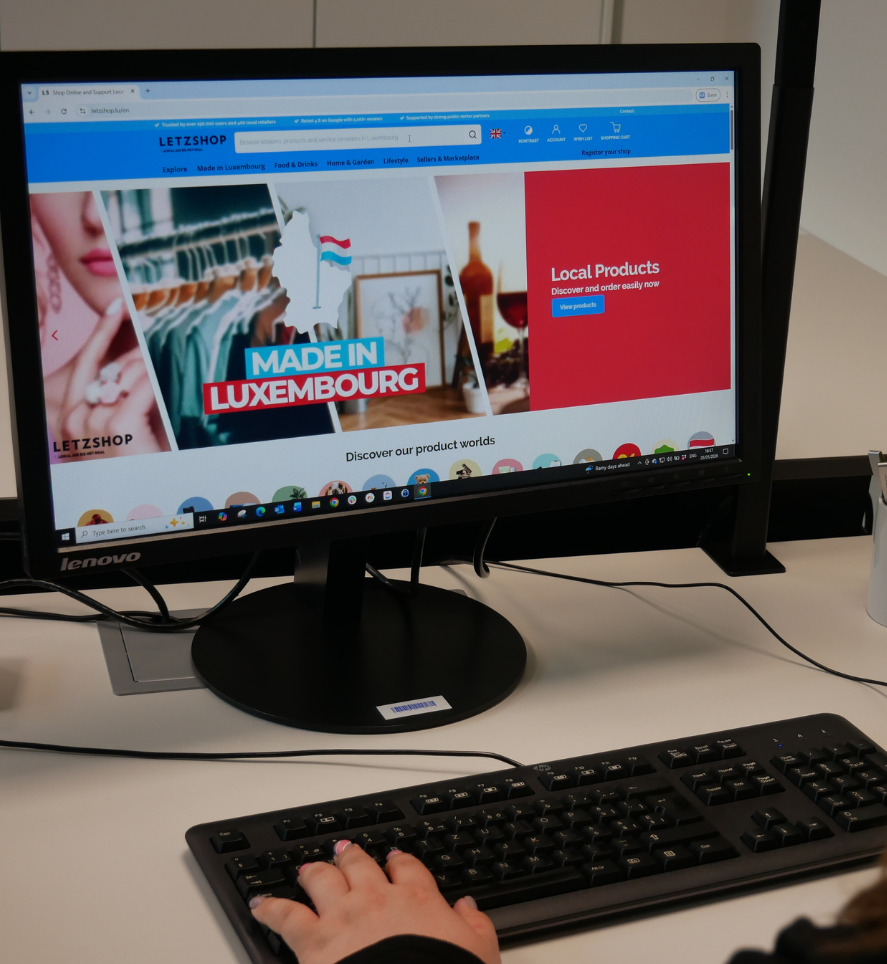
The withdrawal function can be found in the Letzshop footer under “About us”.
After clicking on the corresponding link, customers are redirected to a dedicated withdrawal form. There, they must provide the required information about their order (order number, email address, comments, etc.) so that the withdrawal can be clearly assigned and automatically forwarded to the correct retailer.

What happens after the withdrawal is submitted?
After the form has been submitted, both the customer and the affected retailer receive an automatic email.
Information for customers
The customer receives a confirmation email confirming that their withdrawal declaration has been submitted.
Important: Submitting the form does not automatically result in a refund. The retailer is informed about the withdrawal and then contacts the customer to clarify the next steps.
If the order has not yet been shipped, the retailer can check whether the shipment can still be stopped.
If the parcel has already been delivered, the affected products must be returned to the retailer. The direct return costs are generally borne by the customer, provided that this is stipulated in the applicable General Terms and Conditions and the retailer does not offer to cover the costs.
The return should therefore only be sent to the return address provided by the retailer after consulting the retailer.
Information for retailers
The retailer automatically receives an email containing the information about the withdrawal. The retailer must then contact the customer and agree on the next steps.
Depending on the processing status of the order, the retailer should:
- check whether the shipment can still be stopped;
- provide the customer with the return address and, if applicable, further return information;
- verify the receipt of the returned products;
- subsequently initiate the required refund through the shop administration.
The withdrawal function does not trigger an automatic refund. The processing and refund must still be carried out by the respective retailer.
The most important information at a glance
The new withdrawal function provides a simpler and more transparent process: customers can submit their withdrawal directly online, while the affected retailer is automatically informed and then agrees on the next steps with the customer.
Please note that submitting the form does not trigger an automatic refund.